



Create your website with blocks
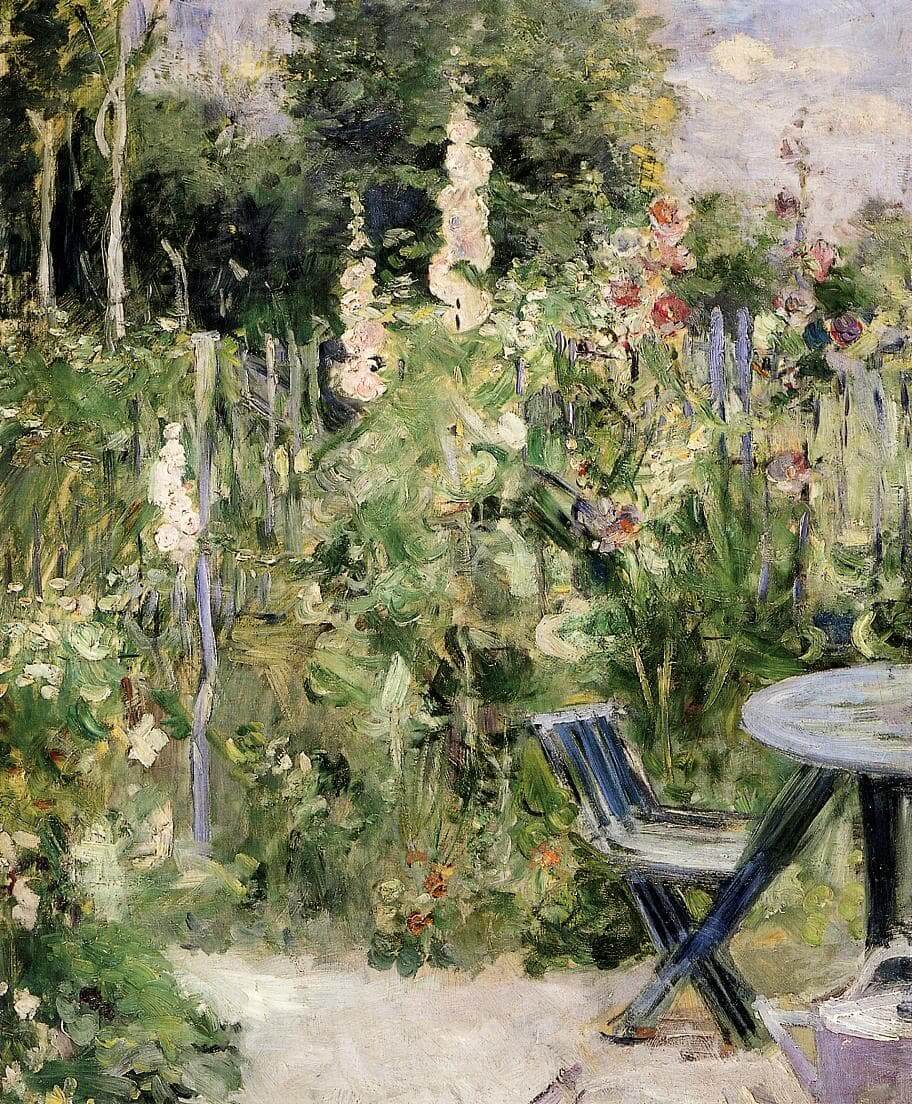
Add block patterns
Block patterns are pre-designed groups of blocks. To add one, select the Add Block button [+] in the toolbar at the top of the editor. Switch to the Patterns tab underneath the search bar, and choose a pattern.
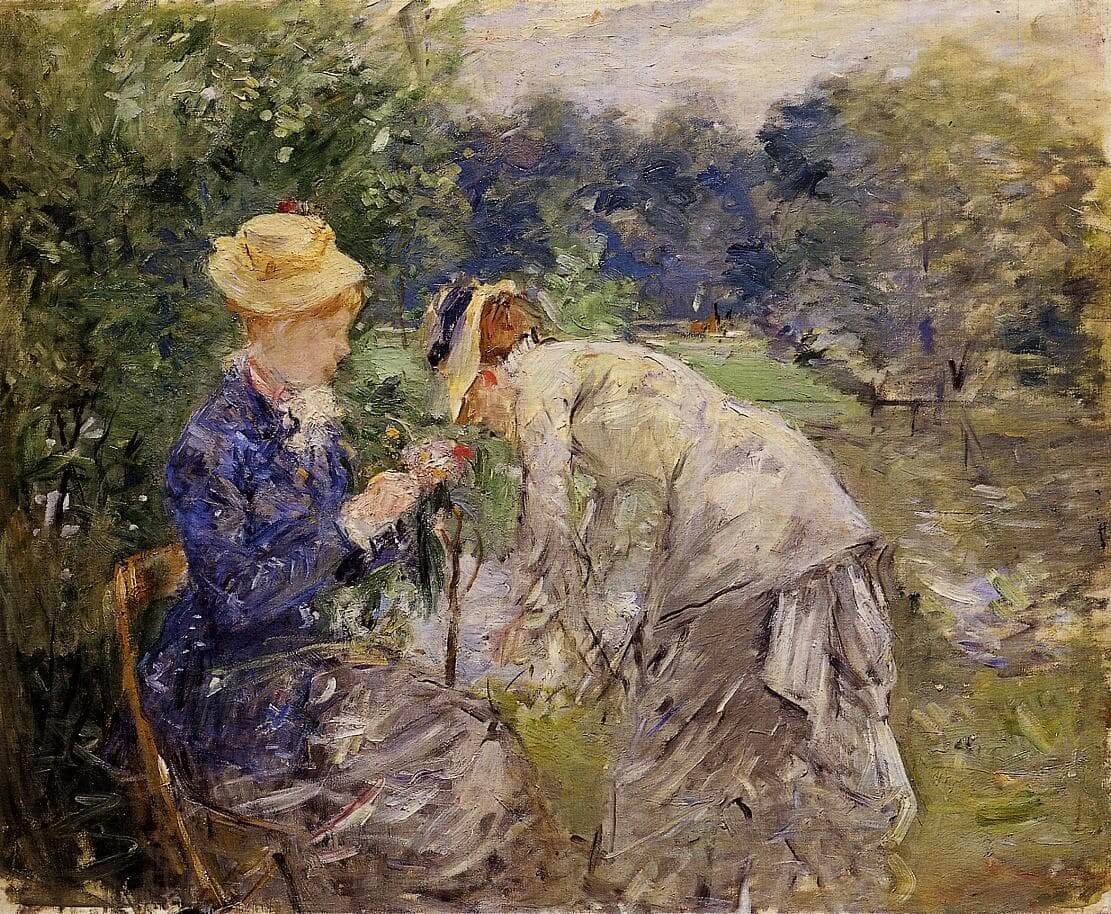
Frame your images
Twenty Twenty-One includes stylish borders for your content. With an Image block selected, open the "Styles" panel within the Editor sidebar. Select the "Frame" block style to activate it.
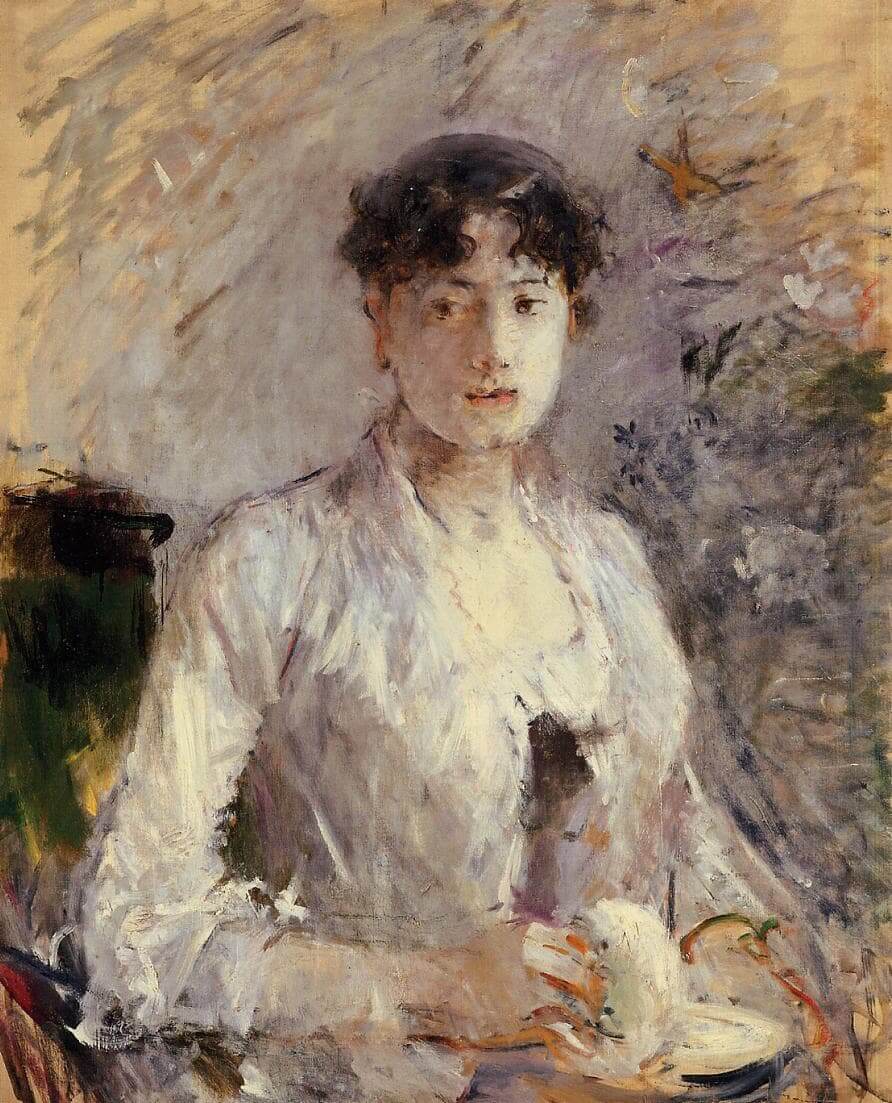
Overlap columns
Twenty Twenty-One also includes an overlap style for column blocks. With a Columns block selected, open the "Styles" panel within the Editor sidebar. Choose the "Overlap" block style to try it out.
Center Yourself
Start Your Cosmetic Journey Today
We make planning your journey of transformation a beautiful experience. Schedule your personal consultation today to discuss your goals and receive expert advice on how to achieve them. We are here to help you navigate your options and select services that fit into your lifestyle. We love delivering results that improve our patients’ lives and can’t wait to help you achieve optimal health, beauty, and confidence.